


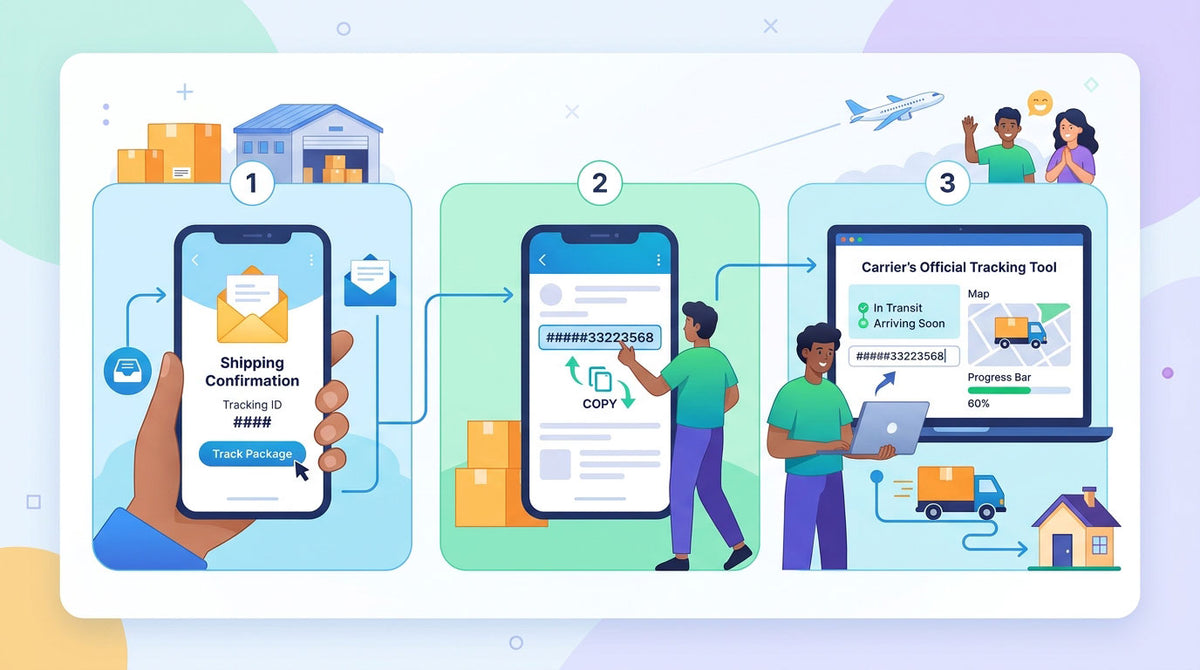
Once your order is packed and shipped, you will receive a Shipping Confirmation email containing your tracking number and a link to view your package's delivery status in real time.
3 Easy Steps to Track Your Package:
-
Step 1: Open your Shipping Confirmation email.
(Tip: If you don’t see it in your inbox, please check your Spam or Promotions folder.) - Step 2: Copy the tracking number provided in the email.
- Step 3: Click the tracking link in the email—or paste your tracking number into the carrier’s official tracking tool—to view your shipment status.
Please Note:
- Tracking Update Delay: It may take 24 to 48 hours for tracking details to appear after your package has left our warehouse.
- Need Help? If your tracking status hasn’t updated after a few days, or if you have any questions about your order, please feel free to reach out to our Customer Support team. We’re always happy to help!